
Cloud ERP & CRM — startup to enterprise

One platform. Your whole business.
Build your ERP anytime, 24/7/365, with Nova ERP Engineer — every skill your business needs.
Make money. Save money. Save time.
Make you money
Sell around the clock from your own website and shop, turn every enquiry into a quote and an invoice in the CRM, and let each sale post to the ledger and the stock book by itself.Save you money
One subscription replaces the separate website, shop, CRM, accounting, payroll and POS tools it takes over — charged per app, per site, never per seat, with the platform and Nova always in.Save you time
Sales, invoices, stock and the books update as you work, and Nova handles the routine admin — writing your site, drafting quotes, answering off your own records — so the day goes to the business.Lubb Core
Lubb Business runs on our own high-speed ERP core
An app, from a description
Describe what you need and Nova ERP Engineer builds it on the core — tables, forms, workflows and reports. No developer, no deployment, and it behaves like every other app on day one.
AI inside your own rules
Nova ERP Engineer reads, creates and updates records through the same grid engine and the same permissions your team works under — so it can never see or change what the person asking could not.
Your own fields, on our screens
Add up to 40 fields of your own to a standard screen — text, choice, number, date or yes/no — and they search, sort and filter exactly like the ones we shipped.
Every list, the way you work
Turn any grid into a Kanban board and drag cards between stages, put live counts and totals above it, and save the layout once for the whole team.
A report off any screen
Build a report from any grid you can open — counts, sums and averages, by day to year, as a chart or a list — with targets you set and colour against.
Documents that post and reverse
Accounting documents have a real lifecycle: draft, submit, cancel. Submitting posts to the ledger and cancelling reverses it, so nothing is lost and nothing changes unseen.Technical architecture
How Lubb Core is built
InterfaceReact and TypeScript on Vite for the business app, with AG Grid for every grid; Next.js for your public website.
AI layerNova ERP Engineer runs on Anthropic’s Claude, working through the same core rules and permissions as your team.
Core engineA Python FastAPI service with SQLAlchemy and Pydantic: one grid engine, one set of rules, every app registered on it.
DataPostgreSQL holds the records, with Redis alongside it for caching and fast lookups.
The theory
The theory behind Lubb Core
Most business software is a stack of separate programs, one per screen, held together by integrations. Lubb Core starts from the opposite idea: a business is one set of records and the rules around them, so its software should be one core that every app describes itself to. Six principles follow, and the rest of this page is built on them.01 · One core
A business is one set of records, so its software should be one core.
Accounting, CRM, billing and every other app share one database, one sign-in and one record of each customer. An app adds screens to the core; it never brings its own copy of your data, so there is nothing to sync and nothing to reconcile.02 · Configuration, not code
A screen is a description, not a program.
Every module in Lubb Business is a grid, and every grid is configuration: its columns, filters, buttons, totals and form fields, rendered by one engine. Changing a screen changes settings, not software, so it takes effect straight away with no developer and no release.03 · Rules live in the core
What must always be true is enforced once, in one place.
Company boundaries, roles and permissions, validation, soft deletes and the audit log are applied by the core to every read and write, so every query only ever sees the company it is working in. No app can forget a rule, because no app implements one.04 · Apps plug in
Apps register with the core. The core never depends on them.
Each app declares its grids, scheduled jobs, business events and setup checks, and the core finds them. That is why installing an app is a switch, removing one leaves the rest working, and new behaviour is added by listening for events rather than by editing the app that fired them.05 · AI through the same door
AI should work through the same rules as your team.
Because apps, screens and fields are data, Nova ERP Engineer can read them, build new ones and act on records through the same grid engine and permissions a person uses. It can never see or change what the person asking could not. Actions that need sign-off wait for approval, and every change is logged.06 · Structure is the offer
What you buy mirrors how it is built.
Lubb Business Builder Platform is the foundation every company runs on: Lubb Core and the Dashboard. It is free with any subscription. Every app — Nova ERP Engineer included — is R100 a month from the App Store, installed on top when the business needs it.Speed and security
Fast and safe by design, not by add-on
Most systems are made fast and secure at the end, one screen and one patch at a time. Lubb Core treats both as properties of the core itself, so every app inherits them the moment it plugs in. Six more principles, three for each.07 · Tuned once, fast everywhere
Speed is engineered in one place, and every screen inherits it.
Every grid, report and document runs through the same engine, so an improvement made there reaches every app at once. No app carries its own slower copy of the query code, and a new app is as fast on day one as the oldest.08 · Only what you see
A screen asks for one page of records, never the whole table.
Sorting, searching and filtering happen inside the database, and only the rows on screen travel to your browser. A list of a million records opens as quickly as a list of a hundred, and repeated look-ups across apps are briefly remembered instead of fetched again.09 · Nothing waits in line
One slow request should never hold up the next.
The core is asynchronous from the web request down to the database: while one request waits on a query, the same process is already serving others, over connections that are kept open and health-checked. Updates roll out side by side, the new version warming up before it takes over, so a release never stops the business.10 · Defence in depth
Every layer assumes the layer above it might fail.
A rule is enforced as low down as it can go. Once an invoice is posted it is frozen below the app, so no screen, script or AI agent can quietly change it afterwards; it can only be cancelled and amended, on the record. Company boundaries sit inside every query, and every write lands in the audit log.11 · Secrets stay secret
A secret is stored encrypted and never written to a log.
Passwords are hashed with a deliberately slow algorithm and never stored. Connection passwords, keys and API credentials are encrypted at rest, and when a credential has to travel in a web address it is masked before any log line is written.12 · Hard to guess, short to hold
Make every guess expensive and every session short.
Sign-in, sign-up and password reset are rate-limited per address and per account, on top of slow password hashing. Access tokens are short-lived and renew quietly in the background, and every response tells the browser to use HTTPS only and to refuse framing by any site that is not ours.Lubb Core
Lubb Business runs on our own high-speed ERP core
An in-house ERP core
Lubb Core is our own ERP core, written and run by our engineers — there is no licensed third-party suite underneath Lubb Business.
Built for speed
A high-speed core under every grid, report and document, so the whole business stays quick as your records grow.
Every app, one core
The Dashboard, Lubb CRM and every app you add share one database, one sign-in and one set of customers — nothing to sync between them.Best-practice UI design
Every screen follows proven interface design practice — consistent layouts, clear hierarchy and accessible controls — so your team learns it once and works fast everywhere.
Designed for AI efficiency
The core is structured so AI can read, build and act on it directly — Nova ERP Engineer works inside the same apps, data and rules your team uses.Best-in-class components
Grids, forms, dashboards and documents are built from one set of best-in-class components, so every app behaves the same polished way.Why Lubb Core
What the core means for you
Strategic Agility
Software built using the languages AI works best with, for fast, tailor-made solutions.
Engineered for AI Effectiveness
Lubb Business runs on Lubb Core, our in-house ERP core — apps, grids, forms and fields built to one consistent pattern, so our engineers and Nova can extend it and ship changes in days rather than quarters.
Your Data Stays Yours
Your records live on our own network in Centurion, South Africa, not in an overseas cloud. They are yours, and they stay in the country.Apps and modules
Every app plugs into the same core
Install what you need
Apps switch on and off per company, and each brings what it depends on.Installing an app brings the apps it needs — Point of Sale brings Accounting
Each app adds its own menu items and its own dashboard tab
Core apps are locked on, so a company can never uninstall its foundations

Roles and permissions
Decide who sees which apps, menus, screens and fields.A role ladder from Viewer and Sales through Admin to Owner
Custom roles limited to the apps you choose
Menu items and individual fields can each require a minimum role
Scheduled jobs
Background work runs on its own, on the schedule you set.Every minute, hourly, daily, weekly, monthly, once or a cron expression
Timeouts, automatic retries with back-off and an email when a job fails
A run log for every attempt, and never two copies of the same job at once

Business events
Apps announce what just happened, so automations can react to it.Events fire after a record is saved, never before
AI agents subscribe to the events they care about and act on them

Guided setup
Every app registers its own setup checks, so the Basic Setup page shows exactly what is still missing before you go live.
Custom apps without code
Describe what you need and Nova ERP Engineer builds it on the core — no developer and no deployment. Needs the Nova ERP Engineer add-on.Up to 12 screens per custom app
Text, number, date, yes/no and choice fields
Custom screens run on the same grid engine as the built-in ones
Built into the core
What the core adds to every app
Dashboards and KPIs
Each app brings its own dashboard tab. Set targets for 7, 30, 90 or 365 days, colour cards against them, see the movement since yesterday, and arrange your own layout.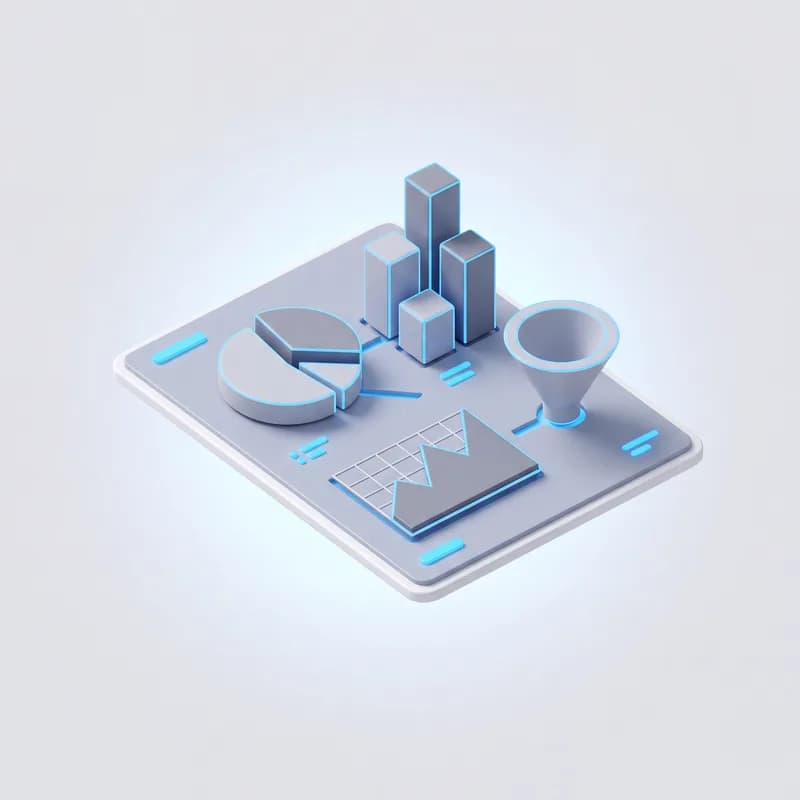
Dashboard builder
Build a dashboard from any grid you can open: counts, sums, averages and more, by day to year, as column, bar, line, area, pie, donut, radial, funnel, treemap or single-number charts. Share it privately, company-wide or with chosen people — every viewer sees only their own data.
Nova ERP Engineer works through the core
Nova ERP Engineer reads, creates and updates records through the same grid engine and permissions your team uses. Actions that need a person wait for approval, and everything it does is logged. Available as an add-on.
Multi-company
Switch between companies from the sidebar, control which people can see which company, and use one sign-in across all of them. Available as an add-on.
REST API and webhooks
Work with CRM records over a REST API with per-user keys. Webhooks are signed with HMAC-SHA256 and every delivery is logged. The API follows the same permissions as the screens.
Find anything
Press ⌘K from anywhere to jump straight to a lead, customer or item.Lubb Module
Every screen is a Lubb Module
A Lubb Module is a table, its form and its fields, described once and rendered by the core. Invoices, leads, stock and every custom screen are all modules, which is why every list in Lubb Business searches, filters and edits the same way, and why your administrators can reshape a screen without a developer.What a module is
One description, one whole screen
Described once, built by the core
Columns, buttons, filters and permissions are the description. The table, search, toolbar, form and row actions are built from it.No screen code for a new module
An improvement to the engine reaches every module at once
Custom apps from Nova ERP Engineer are modules too
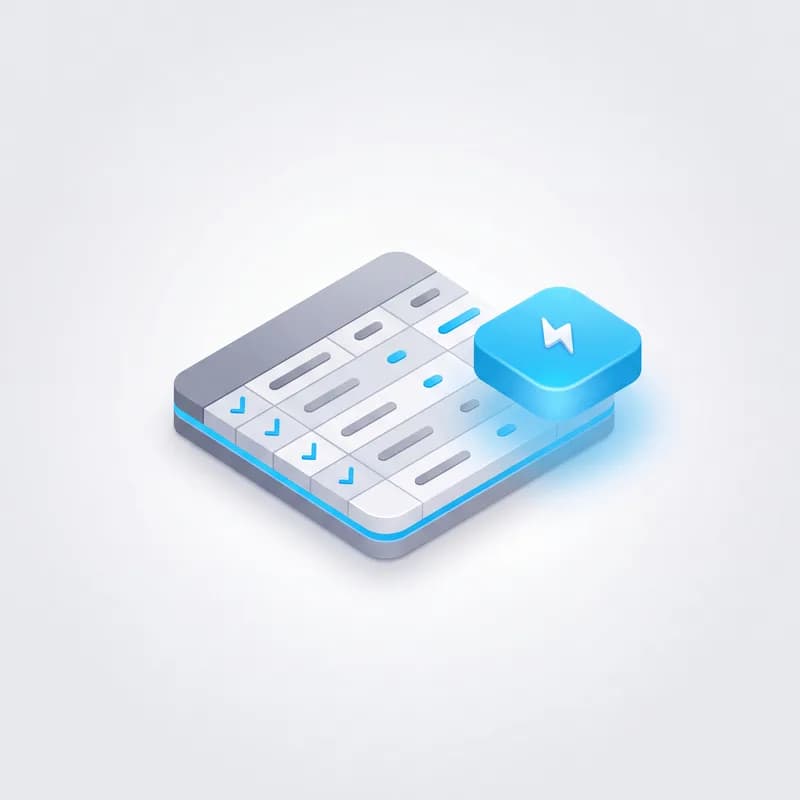
The same toolbar everywhere
Search, New, filters, List or Kanban, Actions and Views sit in the same order on every module, so New never moves as you walk between screens.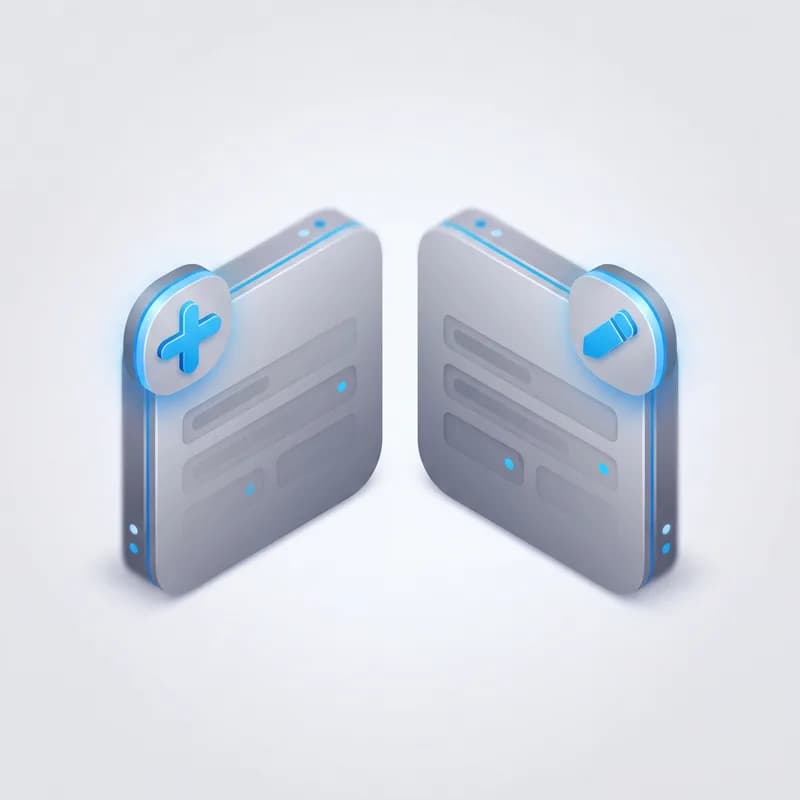
Double-click views, triple-click edits
A single click only selects. Double-click opens the record to read, triple-click opens it to change, so skimming a list can never edit a record by accident.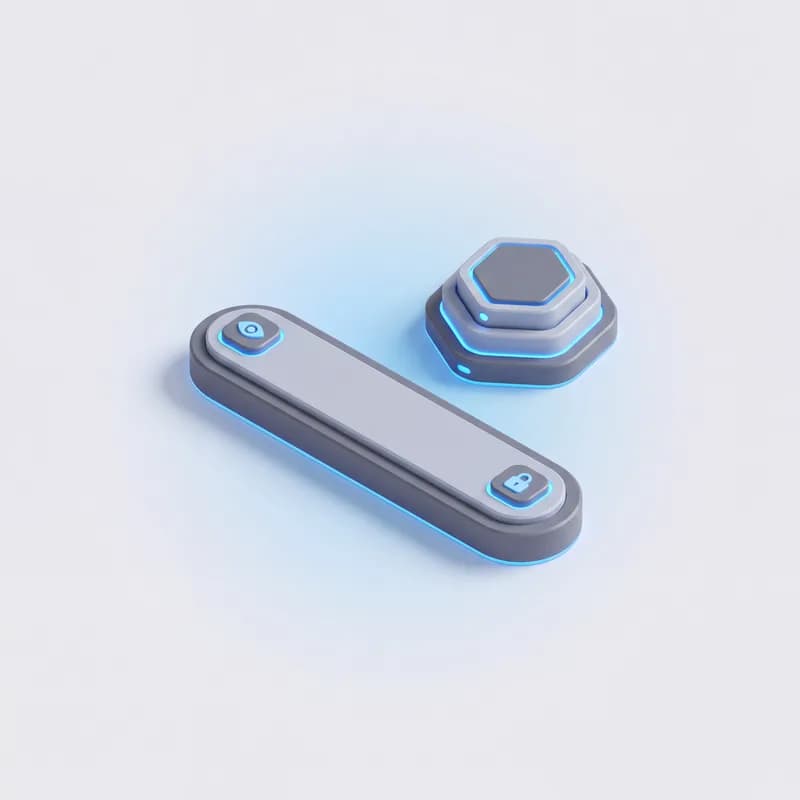
Scoped to who is asking
A module can narrow every read and write to the caller’s own records, hide itself from anyone below admin, or read live from another system such as the PBX instead of a local table.
Your changes win
A module ships with our defaults. The labels, field order, buttons, stat cards and saved views your administrators set are kept per company and take precedence.Nova ERP Engineer can work in it
Nova ERP Engineer reaches your data through modules, so every module is one it can search, read and update — under the same permissions as the person asking.Grids
Grids that stay fast as you grow

Search and filter
Narrow any list down in seconds.Server-side search across the columns that matter
Column filters, date ranges (including "today and before") and dropdown filters in the header or toolbar
An Active / Showing all toggle, and scope pickers that switch the whole grid over
Filters travel in the link, so a filtered list can be shared
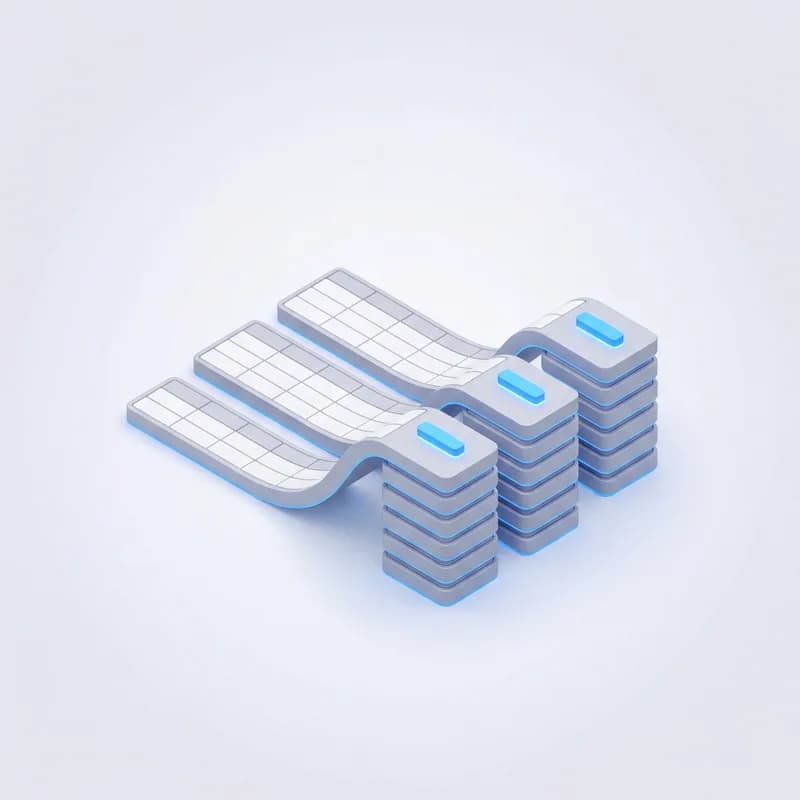
Group and total
Turn a list into a summary without leaving it.Drag a column into the group bar to group by it
Group rows total with sum, average, min, max or count
A totals row pinned to the bottom of the grid
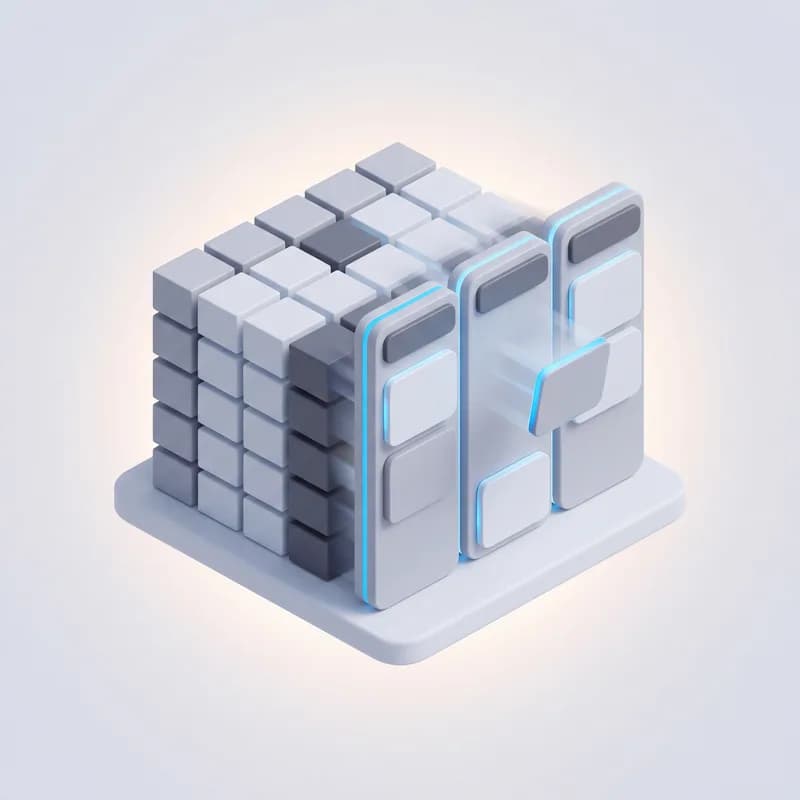
Table or board
Switch a grid to a Kanban board and drag cards between stages.Board columns come from a status, a stage list or another table
Each board picks the fields its cards show
On a phone, rows become cards you can read at a glance
Stat cards
Live figures above the grid: counts, sums and averages shown as numbers, currency or percentages. Click a card to filter the grid down to what it counts.
Linked records
Move from a record to the records that belong to it.Drill down into a filtered child grid
Expand a row to see its child records inline
Click a linked name to open that record, or double-click a row to open the full document
Actions
Buttons that do real work, where you need them.Bulk actions on selected rows, plus toolbar and per-row buttons
Confirmation steps, and prompts that ask for input before running
Buttons show only when they apply, and explain why when disabled
Saved layouts and views
Administrators arrange a grid once for the whole team.Pin, resize, hide and reorder columns
Save the column layout and filters as the default (Ctrl+S)
Save named views the team picks from a Views menu
Always current
A grid can refresh itself on a timer while it is open, and grids fed by another system pull fresh data the moment you open them.
PDF and clipboard
View PDF prints the list exactly as filtered, as a branded table. Copy a cell with Ctrl+C or a whole row from the right-click menu, and drag rows to reorder where order matters.Forms
Forms shaped to the job
Form builder
Lay a form out the way your team reads it.Titled sections
Full-width or half-width fields
Your own labels, help text and required fields
Add and edit, separately
Each field shows when adding and editing, only when adding, only when editing, or never. The server applies the same rule, so a hidden field can never be written.
Validation you can trust
Rules run in the browser and again on the server.Required fields
Fields required only when another field has a certain value
Either-or rules: fill in this field or one of those
A required field can never be blanked on edit
Smart defaults
Less typing on every new record.Default values per field
A record created from a child grid is already linked to its parent
Picking a linked record can fill in the fields that follow from it
Protected by design
Nothing gets lost and nothing changes unseen.Fields that only senior roles may change show as locked
A form with unsaved changes will not close by accident
Every add, edit and delete is logged with the user, time and IP
Documents with a lifecycle
Accounting documents go further: draft, submit, cancel. Submitting posts to the ledger, and cancelling reverses the entries instead of deleting them. PDFs carry your letterhead and banking details.Fields
Every field, configurable
Text
Long text
Rich text
Number
Integer
Decimal
Currency
Yes / No
Date
Date & time
Lookup
Dropdown
Status badge
Email
Phone
Password
Colour
Image
JSON
Read-only
Hidden
Label, order and tab
Rename a field, drag fields into a new order and group them on tabs.
How it shows in the grid
Set column width, hide a column by default, give statuses their own badge colours and fix the number of decimals.
Lookups
Link a field to any other table: choose the key, the column people see and the sort order. The link is checked when you save it, and a linked name opens its record.
Dropdown options
Offer a fixed list of choices, or options loaded live from your own data each time the form opens.Visibility and access
Choose when a field shows on the form, the minimum role needed to change it, and which columns only staff can see.
Custom fields
Add up to 40 fields of your own to a standard screen — text, choice, number, date or yes/no. They search, sort and edit like the built-in ones.Built into Lubb Business
Nova ERP Engineer works the whole platform
Nova answers off your own records, builds and reshapes apps on Lubb Core, edits your website, phones and campaigns, and does the routine work — every change waiting for your approval. It comes with every Lubb Business site.
App Gallery
34 apps, one platform
Every Lubb Business app and add-on in one place — what each one does, what it costs and what it needs. Search or filter by category, then add the ones you want.Included in Lubb Business Builder Platform · 1
Management · 4
Notifications · 2
Website Builder · 2
Lead Generation · 8
Lead Conversion · 3
Client Fulfillment · 4
Accounting · 5
Integrations · 2
AI · 1
Platform · 2
Browse the App Gallery