
Lubb Platform
Two things every Lubb One site starts with
The core it runs on and the AI that builds on it — both in the Lubb Platform plan at R200 a month per instance, before you add a single app from the App Store.Lubb Core
Our own high-speed ERP core — every app on one database, one sign-in.
Every Lubb app is built on one core rather than bolted to it, so your customers, documents and permissions are the same records in every app. It is what makes adding an app a switch rather than an integration project.
- Dashboards
- Flexible Forms & Fields
- Grids, Views & Kanban
- Roles & Permissions
- Print Templates
- Open API
The theory
The theory behind Lubb Core
Most business software is a stack of separate programs, one per screen, held together by integrations. Lubb Core starts from the opposite idea: a business is one set of records and the rules around them, so its software should be one core that every app describes itself to. Six principles follow, and the rest of this page is built on them.01 · One core
A business is one set of records, so its software should be one core.
Accounting, CRM, billing and every other app share one database, one sign-in and one record of each customer. An app adds screens to the core; it never brings its own copy of your data, so there is nothing to sync and nothing to reconcile.02 · Configuration, not code
A screen is a description, not a program.
Every module in Lubb One is a grid, and every grid is configuration: its columns, filters, buttons, totals and form fields, rendered by one engine. Changing a screen changes settings, not software, so it takes effect straight away with no developer and no release.03 · Rules live in the core
What must always be true is enforced once, in one place.
Company boundaries, roles and permissions, validation, soft deletes and the audit log are applied by the core to every read and write, so every query only ever sees the company it is working in. No app can forget a rule, because no app implements one.04 · Apps plug in
Apps register with the core. The core never depends on them.
Each app declares its grids, scheduled jobs, business events and setup checks, and the core finds them. That is why installing an app is a switch, removing one leaves the rest working, and new behaviour is added by listening for events rather than by editing the app that fired them.05 · AI through the same door
AI should work through the same rules as your team.
Because apps, screens and fields are data, Lubb Force can read them, build new ones and act on records through the same grid engine and permissions a person uses. It can never see or change what the person asking could not. Actions that need sign-off wait for approval, and every change is logged.06 · Structure is the offer
What you buy mirrors how it is built.
Lubb Platform is the foundation every company runs on: Lubb Core and Lubb Force. Every other app is an add-on from the App Store, installed on top when the business needs it. Lubb One is simply the core with your apps on top.Speed and security
Fast and safe by design, not by add-on
Most systems are made fast and secure at the end, one screen and one patch at a time. Lubb Core treats both as properties of the core itself, so every app inherits them the moment it plugs in. Six more principles, three for each.07 · Tuned once, fast everywhere
Speed is engineered in one place, and every screen inherits it.
Every grid, report and document runs through the same engine, so an improvement made there reaches every app at once. No app carries its own slower copy of the query code, and a new app is as fast on day one as the oldest.08 · Only what you see
A screen asks for one page of records, never the whole table.
Sorting, searching and filtering happen inside the database, and only the rows on screen travel to your browser. A list of a million records opens as quickly as a list of a hundred, and repeated look-ups across apps are briefly remembered instead of fetched again.09 · Nothing waits in line
One slow request should never hold up the next.
The core is asynchronous from the web request down to the database: while one request waits on a query, the same process is already serving others, over connections that are kept open and health-checked. Updates roll out side by side, the new version warming up before it takes over, so a release never stops the business.10 · Defence in depth
Every layer assumes the layer above it might fail.
A rule is enforced as low down as it can go. Once an invoice is posted it is frozen below the app, so no screen, script or AI agent can quietly change it afterwards; it can only be cancelled and amended, on the record. Company boundaries sit inside every query, and every write lands in the audit log.11 · Secrets stay secret
A secret is stored encrypted and never written to a log.
Passwords are hashed with a deliberately slow algorithm and never stored. Connection passwords, keys and API credentials are encrypted at rest, and when a credential has to travel in a web address it is masked before any log line is written.12 · Hard to guess, short to hold
Make every guess expensive and every session short.
Sign-in, sign-up and password reset are rate-limited per address and per account, on top of slow password hashing. Access tokens are short-lived and renew quietly in the background, and every response tells the browser to use HTTPS only and to refuse framing by any site that is not ours.Lubb Core
Lubb One runs on our own high-speed ERP core
Lubb Core is the in-house ERP core we build every Lubb product on. Lubb One is that core with your apps on top — starting with the Dashboard and Lubb CRM in Lubb Platform.
An in-house ERP core
Lubb Core is our own ERP core, written and run by our engineers — there is no licensed third-party suite underneath Lubb One.
Built for speed
A high-speed core under every grid, report and document, so the whole business stays quick as your records grow.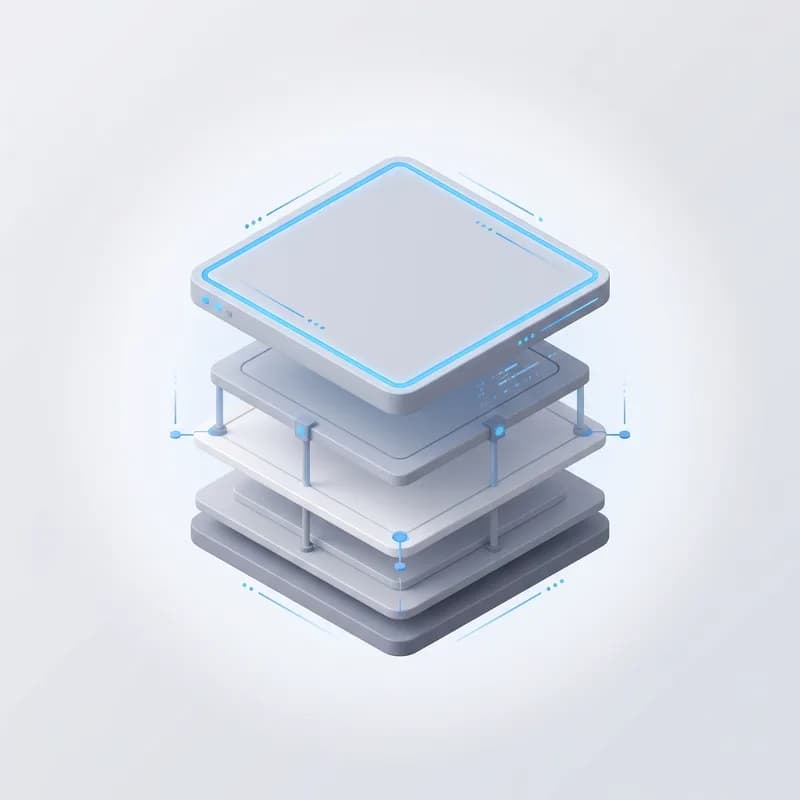
Every app, one core
The Dashboard, Lubb CRM and every app you add share one database, one sign-in and one set of customers — nothing to sync between them.
Best-practice UI design
Every screen follows proven interface design practice — consistent layouts, clear hierarchy and accessible controls — so your team learns it once and works fast everywhere.
Designed for AI efficiency
The core is structured so AI can read, build and act on it directly — Lubb Force works inside the same apps, data and rules your team uses.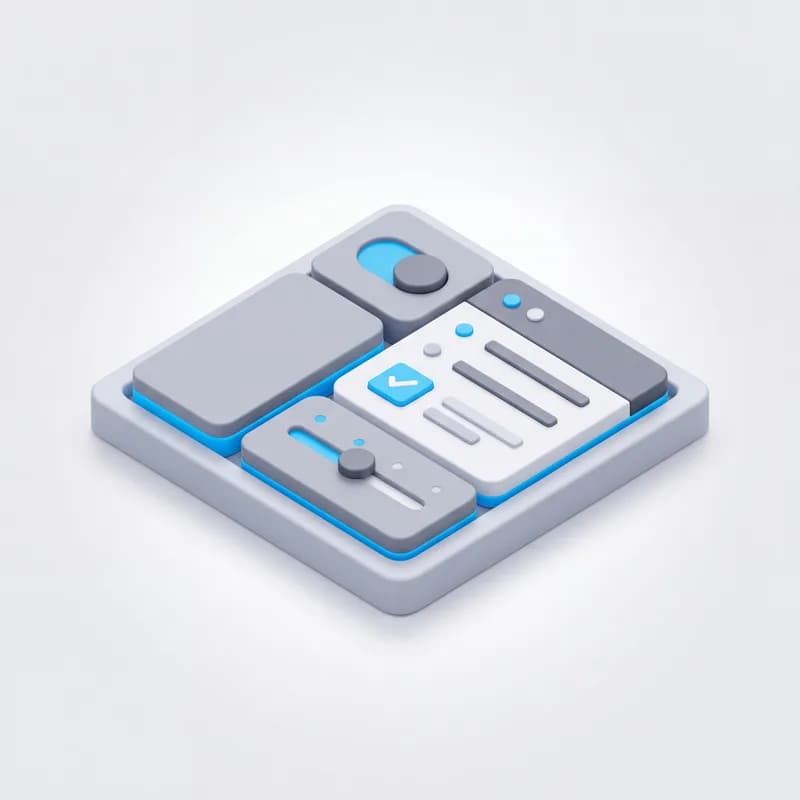
Best-in-class components
Grids, forms, dashboards and documents are built from one set of best-in-class components, so every app behaves the same polished way.Apps and modules
Every app plugs into the same core
Accounting, CRM, billing, point of sale and every other Lubb One app is a package on Lubb Core. Each one brings its own screens, menus, jobs and dashboard, and all of them share one database, one sign-in and one set of customers.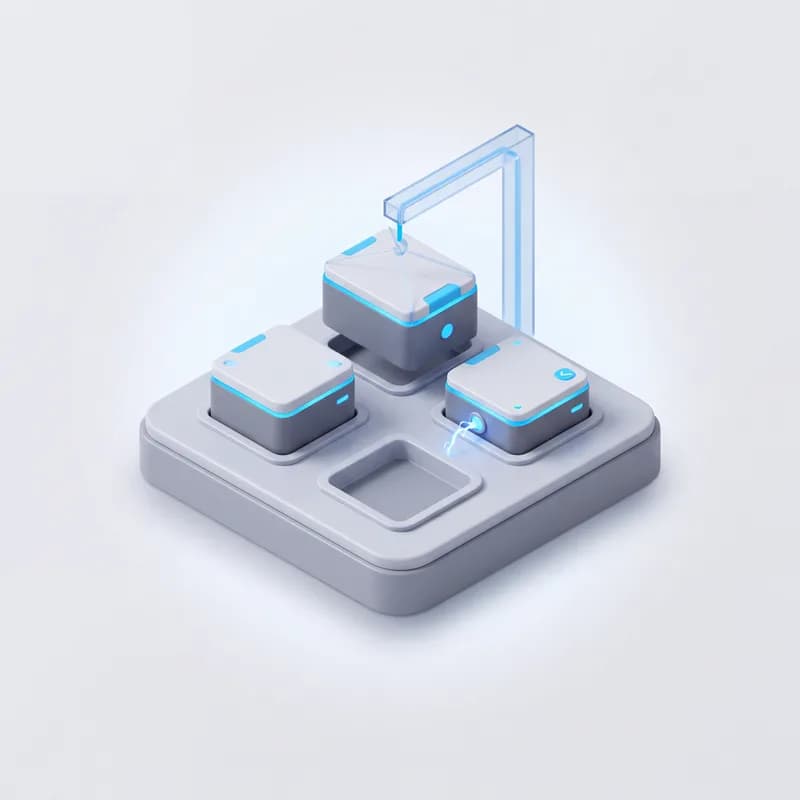
Install what you need
Apps switch on and off per company, and each brings what it depends on.Installing an app brings the apps it needs — Point of Sale brings Accounting
Each app adds its own menu items and its own dashboard tab
Core apps are locked on, so a company can never uninstall its foundations

Roles and permissions
Decide who sees which apps, menus, screens and fields.A role ladder from Viewer and Sales through Admin to Owner
Custom roles limited to the apps you choose
Menu items and individual fields can each require a minimum role

Scheduled jobs
Background work runs on its own, on the schedule you set.Every minute, hourly, daily, weekly, monthly, once or a cron expression
Timeouts, automatic retries with back-off and an email when a job fails
A run log for every attempt, and never two copies of the same job at once

Business events
Apps announce what just happened, so automations can react to it.Events fire after a record is saved, never before
AI agents subscribe to the events they care about and act on them

Guided setup
Every app registers its own setup checks, so the Basic Setup page shows exactly what is still missing before you go live.
Custom apps without code
Describe what you need and Lubb Force builds it on the core — no developer and no deployment. Needs the Lubb Force add-on.Up to 12 screens per custom app
Text, number, date, yes/no and choice fields
Custom screens run on the same grid engine as the built-in ones
Grids
Grids that stay fast as you grow
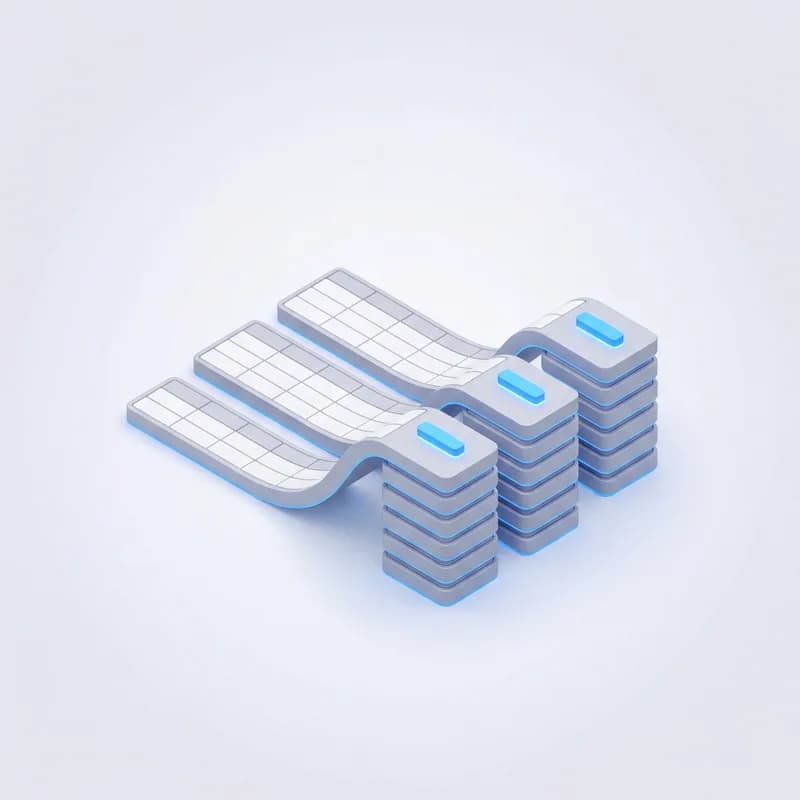
Every list in Lubb One, from invoices to leads, runs on one grid engine. Sorting, searching and paging happen on the server, so a grid stays quick as your records grow.
Search and filter
Narrow any list down in seconds.Server-side search across the columns that matter
Column filters, date ranges (including "today and before") and dropdown filters in the header or toolbar
An Active / Showing all toggle, and scope pickers that switch the whole grid over
Filters travel in the link, so a filtered list can be shared
Group and total
Turn a list into a summary without leaving it.Drag a column into the group bar to group by it
Group rows total with sum, average, min, max or count
A totals row pinned to the bottom of the grid

Table or board
Switch a grid to a Kanban board and drag cards between stages.Board columns come from a status, a stage list or another table
Each board picks the fields its cards show
On a phone, rows become cards you can read at a glance
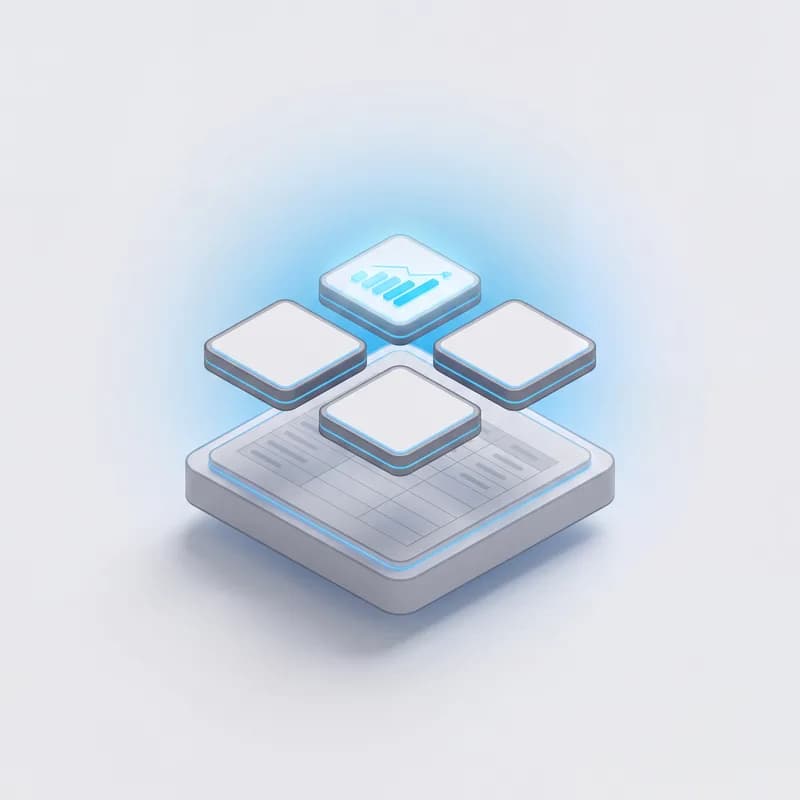
Stat cards
Live figures above the grid: counts, sums and averages shown as numbers, currency or percentages. Click a card to filter the grid down to what it counts.
Linked records
Move from a record to the records that belong to it.Drill down into a filtered child grid
Expand a row to see its child records inline
Click a linked name to open that record, or double-click a row to open the full document

Actions
Buttons that do real work, where you need them.Bulk actions on selected rows, plus toolbar and per-row buttons
Confirmation steps, and prompts that ask for input before running
Buttons show only when they apply, and explain why when disabled
Saved layouts and views
Administrators arrange a grid once for the whole team.Pin, resize, hide and reorder columns
Save the column layout and filters as the default (Ctrl+S)
Save named views the team picks from a Views menu
Always current
A grid can refresh itself on a timer while it is open, and grids fed by another system pull fresh data the moment you open them.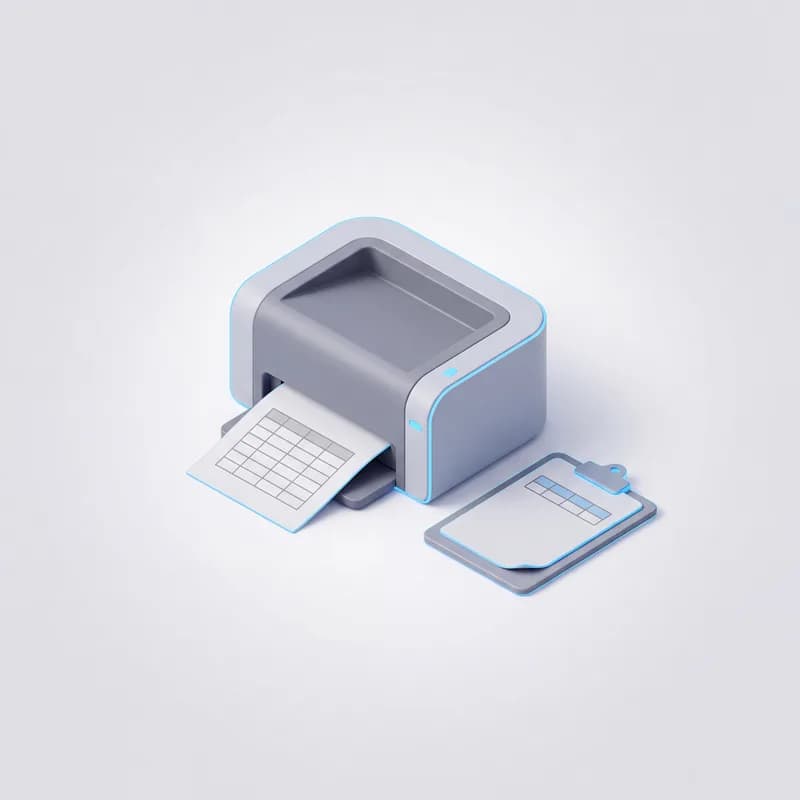
PDF and clipboard
View PDF prints the list exactly as filtered, as a branded table. Copy a cell with Ctrl+C or a whole row from the right-click menu, and drag rows to reorder where order matters.Forms
Forms shaped to the job
Records open in a form over the grid, so you never lose your place. Administrators decide what each form asks for, and every rule a form enforces is checked again on the server.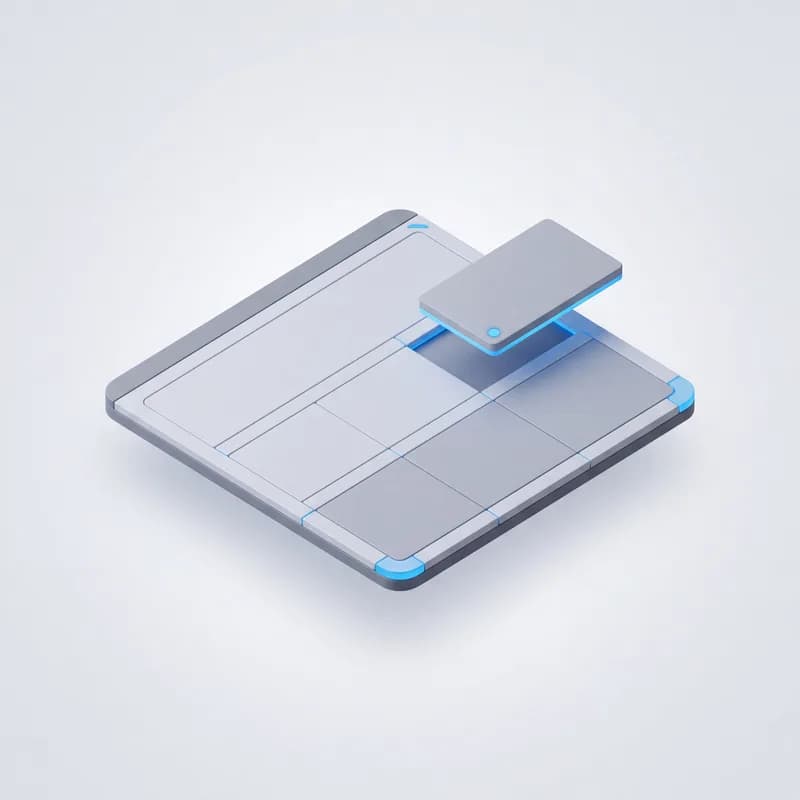
Form builder
Lay a form out the way your team reads it.Titled sections
Full-width or half-width fields
Your own labels, help text and required fields

Add and edit, separately
Each field shows when adding and editing, only when adding, only when editing, or never. The server applies the same rule, so a hidden field can never be written.
Validation you can trust
Rules run in the browser and again on the server.Required fields
Fields required only when another field has a certain value
Either-or rules: fill in this field or one of those
A required field can never be blanked on edit
Smart defaults
Less typing on every new record.Default values per field
A record created from a child grid is already linked to its parent
Picking a linked record can fill in the fields that follow from it

Protected by design
Nothing gets lost and nothing changes unseen.Fields that only senior roles may change show as locked
A form with unsaved changes will not close by accident
Every add, edit and delete is logged with the user, time and IP
Documents with a lifecycle
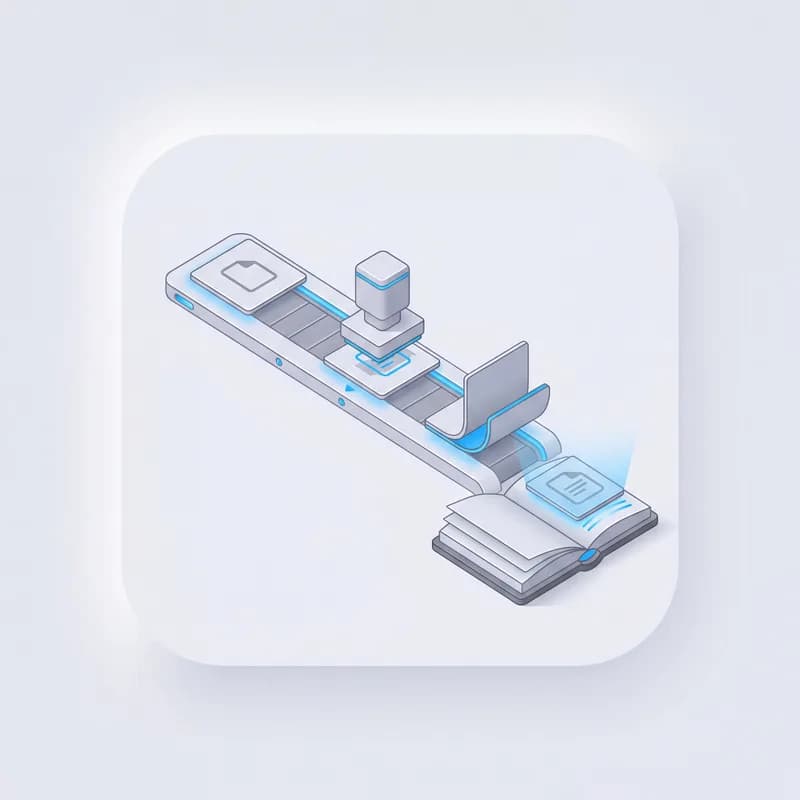
Accounting documents go further: draft, submit, cancel. Submitting posts to the ledger, and cancelling reverses the entries instead of deleting them. PDFs carry your letterhead and banking details.Fields
Every field, configurable
Administrators can open Field Config from any column and change how that field looks, where it sits and who may change it. The changes apply straight away, with no developer and no release.Text
Long text
Rich text
Number
Integer
Decimal
Currency
Yes / No
Date
Date & time
Lookup
Dropdown
Status badge
Email
Phone
Password
Colour
Image
JSON
Read-only
Hidden

Label, order and tab
Rename a field, drag fields into a new order and group them on tabs.
How it shows in the grid
Set column width, hide a column by default, give statuses their own badge colours and fix the number of decimals.
Lookups
Link a field to any other table: choose the key, the column people see and the sort order. The link is checked when you save it, and a linked name opens its record.
Dropdown options
Offer a fixed list of choices, or options loaded live from your own data each time the form opens.
Visibility and access
Choose when a field shows on the form, the minimum role needed to change it, and which columns only staff can see.
Custom fields
Add up to 40 fields of your own to a standard screen — text, choice, number, date or yes/no. They search, sort and edit like the built-in ones.Built into the core
What the core adds to every app
Dashboards, reports and the API are part of the core itself, so every app on Lubb One gets them without extra work. Lubb Force and multi-company are add-ons that run through the same core.
Dashboards and KPIs
Each app brings its own dashboard tab. Set targets for 7, 30, 90 or 365 days, colour cards against them, see the movement since yesterday, and arrange your own layout.
Report builder
Build a report from any grid you can open: counts, sums, averages and more, by day to year, as column, bar, line, area, pie, donut, radial, funnel, treemap or single-number charts. Share it privately, company-wide or with chosen people — every viewer sees only their own data.
Lubb Force works through the core
Lubb Force reads, creates and updates records through the same grid engine and permissions your team uses. Actions that need a person wait for approval, and everything it does is logged. Available as an add-on.
Multi-company
Switch between companies from the sidebar, control which people can see which company, and use one sign-in across all of them. Available as an add-on.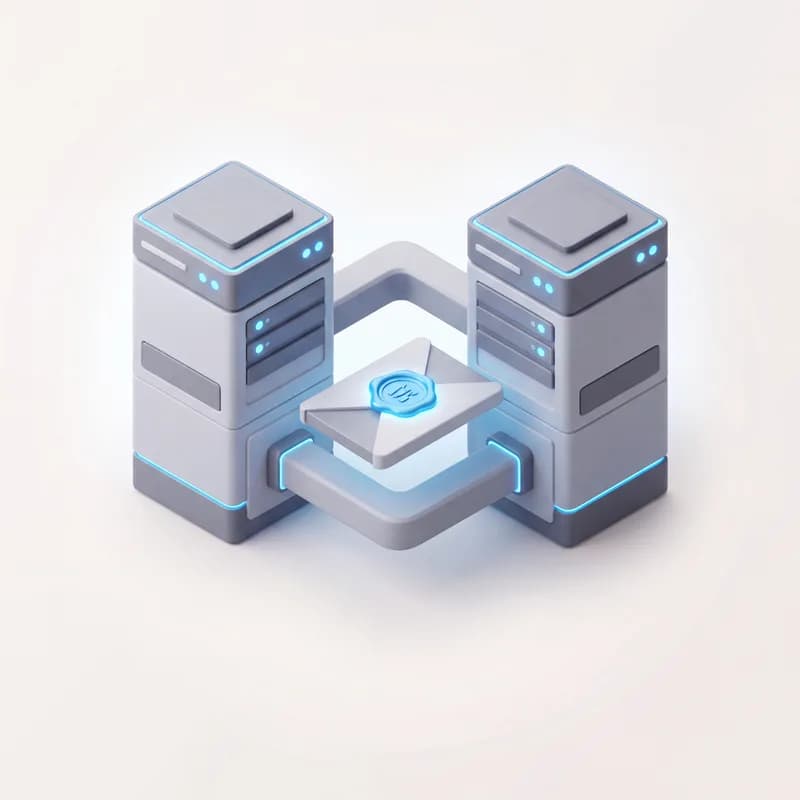
REST API and webhooks
Work with CRM records over a REST API with per-user keys. Webhooks are signed with HMAC-SHA256 and every delivery is logged. The API follows the same permissions as the screens.
Find anything
Press ⌘K from anywhere to jump straight to a lead, customer or item.Lubb Force
Build and reshape your ERP by describing what you want.
Lubb Force is the AI team that builds inside your system, not beside it. It writes apps, edits the ones you have and works through the routine jobs — every change tracked and reversible, because it is changing the system you run on.
- App Builder
- AI System Editor
- AI System Worker
- Approvals & Audit Log
Meet the team
Not one assistant. A Director and four specialists.
Lubb Force works like a small business team. The Director takes your request, hands each job to the agent whose kind of work it is, checks what comes back and puts anything that matters in your approval queue. Every skill and every automation has an owner, in every app you run.Director
SupervisorBreaks each request into jobs and gives each to the agent whose kind of work it is
Reviews every result against the ask and your records before a person sees it
Owns the approval queue: nothing customer-facing or costly goes out unapproved
Runs a weekly review, so every commitment has an owner, a priority and a status
Briefs you in decision format: what changed, why, what to do, who and by when
Office Administrator
RecordsCreates, edits and corrects records in any app
Invoices, bills, reconciles, activates and retires
Runs reports and month-end checks
Communications Officer
CustomersChases overdue debtors by email and SMS
Runs email and SMS campaigns
Welcomes and onboards new customers
IT Technician
SystemsBuilds, changes and publishes website pages; fixes SEO
Routes phone numbers and switches extensions on and off
Reviews calls, then tunes and publishes voice agents
Graphic Designer
CreativeMakes branded designs for ads, social and print
Makes and publishes video ads
Drafts new ad creative, and nothing publishes until you approve it
An agent you can leave switched on
Lubb Force reads freely and writes only with permission. The controls are per organization and they are yours.Nothing changes without approvalLubb Force proposes write actions; a person with the approver role accepts or rejects each one. Read-only questions need no approval at all.
Every action is loggedA full action log records what Lubb Force did, when, and on whose approval — auditable long after the conversation is closed.
You hold the switchesWrite tools can be turned off entirely, the approver role is yours to set, and a kill switch stops Lubb Force responding at all, per organization.
Don't know where a setting lives? Just ask — Lubb Force points, on screen, step by step.
Try asking:“How do I approve one of your actions?”