
← All Lubb Business apps
Accounting
FNB Auto Sync
Sync statements straight from FNB, ready to reconcile.
Requires Accounting — installed with it automatically.
Category
AccountingWhere it sits in your Lubb Business menu.How you get it
Add-on appTick it in the App Store under the plan, alongside anything else you need.Works with
AccountingInstalled with it automatically, on the same database and sign-in.Overview
What FNB Auto Sync is for
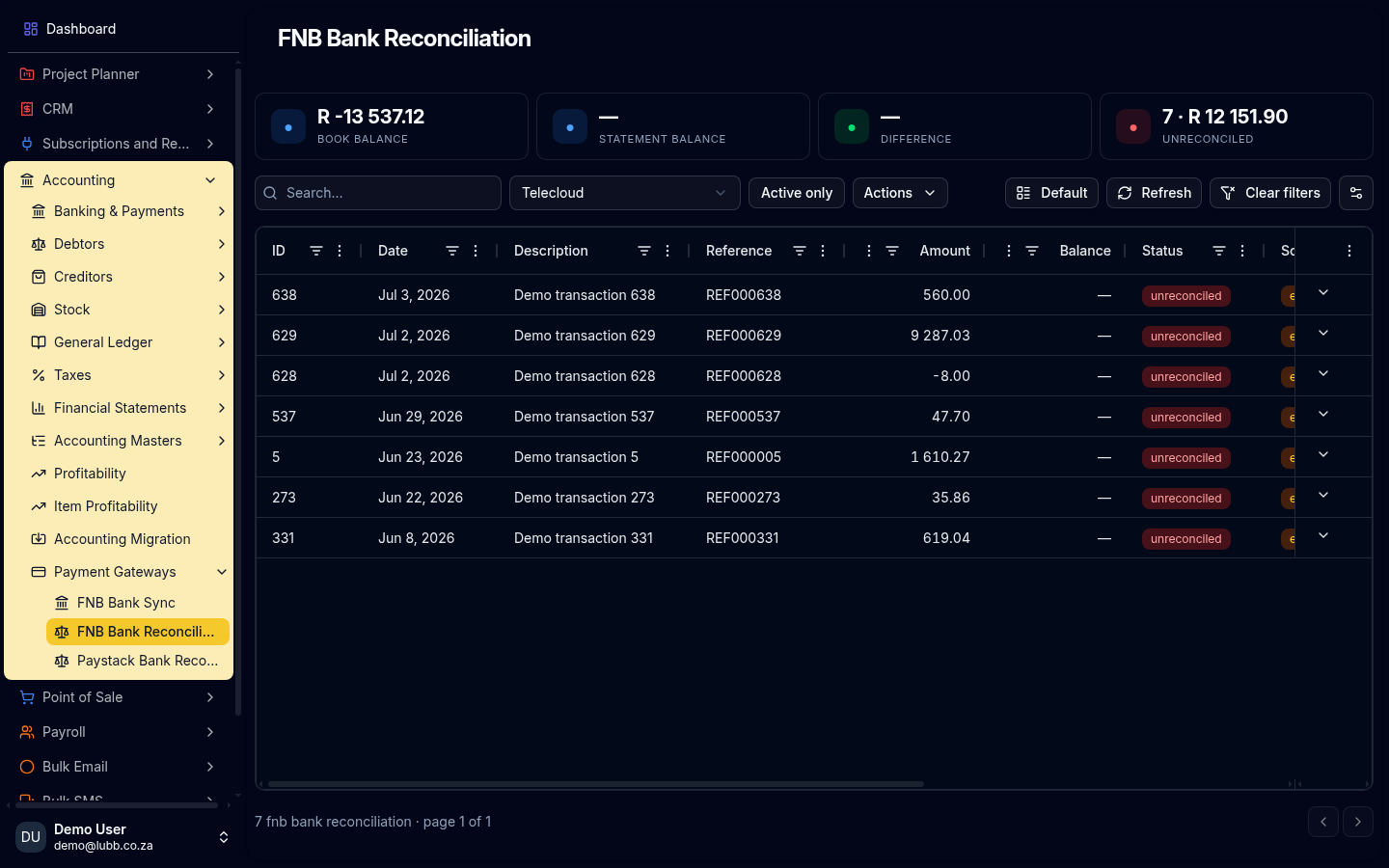
A direct integration with FNB Online Banking: scheduled statement sync straight off your FNB account, with no manual OFX export. The transactions land on your Bank Reconciliation ready to match against invoices and payments.Most accounting software makes you download an OFX file from your bank and upload it by hand, every time. This connects to FNB Online Banking directly — your statement lines arrive on their own, already matched to the invoices and payments they belong to.
Key features
What you get
01Statements pulled straight from FNB Online Banking
no manual export02FNB bank reconciliation against your invoices and payments
03Raises the payment entries for what it matches
04Auto-matching, driven by the recon rules and aliases in Banking & Payments
05Works alongside Banking & Payments and Accounting